See Traffic, Rankings & Core Web Vitals in One Project
Open one project, connect Search Console, and see clicks, impressions, organic traffic, rankings, and Core Web Vitals together. Start free and you will know what to fix next.
See, Compare, Fix
One visibility loop across technical SEO, competitors, and AI answers.
See
Run a site audit to find what blocks crawlability, content quality, and readiness.
Open site auditCompare
Benchmark competitors on keywords, gaps, and visibility moves that matter.
Open competitor analysisAppear in AI
Track how ChatGPT, Claude, Grok, Gemini, and Perplexity mention your brand.
Open AI visibilityFrom connect to fix in four steps
Start free. Link Google. Read the dashboard. Jump to the page that needs work.
- 1
Connect Search Console
Link Search Console in minutes, and add GA4 when you want richer traffic, so the numbers are yours.
- 2
Open the project dashboard
See audit scores, traffic, GSC, and performance in one place. Then pick the first drop to chase.
- 3
Read rankings and CWV
Keyword positions and Core Web Vitals sit with the queries that already drive clicks.
- 4
Fix the pages that matter
Jump to Site Audit, Keyword Research, or AI Visibility the moment a URL or query slips.
See the drop. Open the fix.
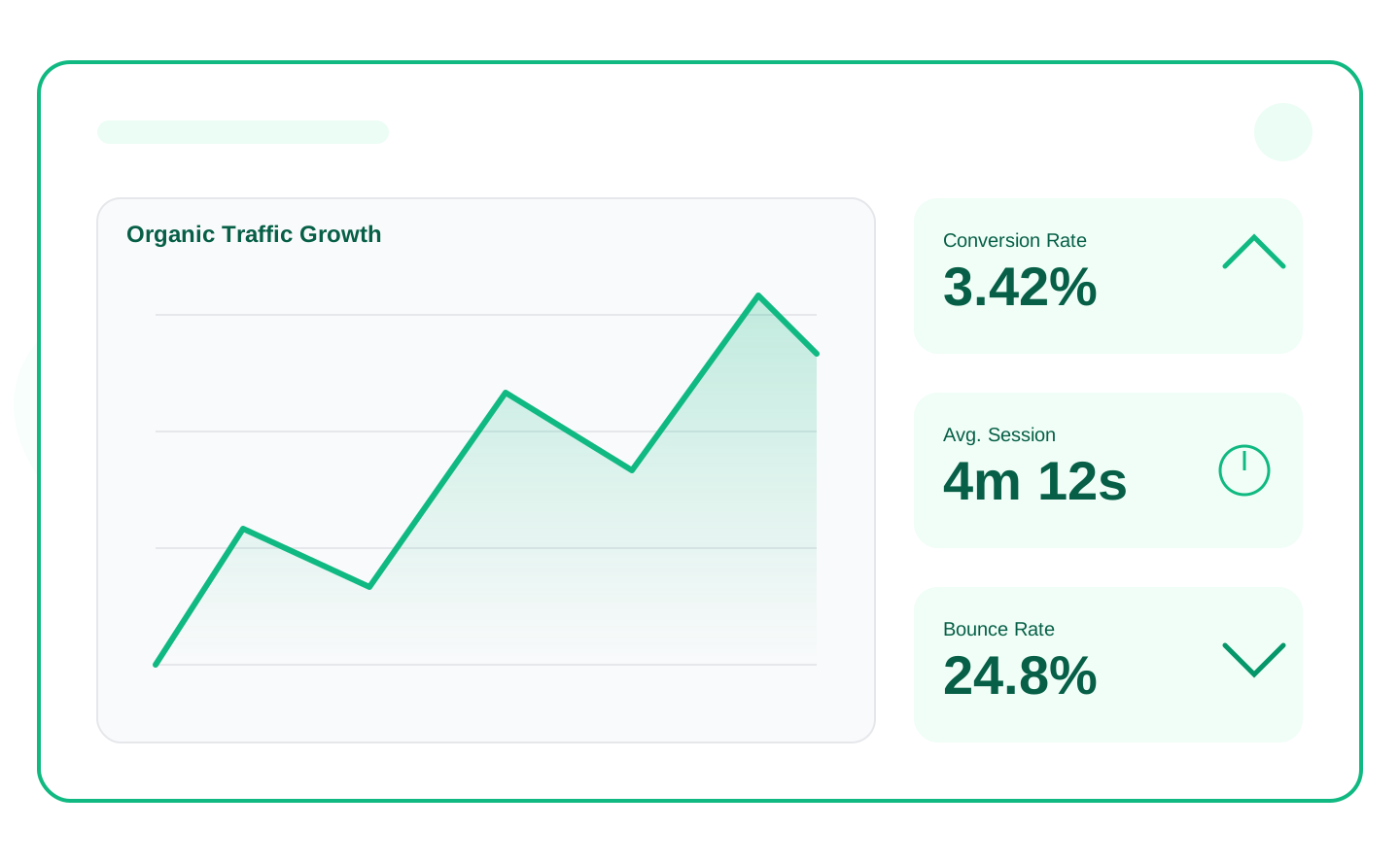
One project view for the metrics that decide your next move. Connect Google and start in minutes.
- Search Console queries, clicks, impressions, and CTR next to the site you already work on
- Organic traffic from GA4 when you connect it, so channel and page trends sit with your rankings
- Core Web Vitals from PageSpeed and site audit, so a slow URL is a next action, not another report
Everything you need to decide the next fix
Search Console, traffic, rankings, Core Web Vitals, reports, and a clear path into Site Audit and AI Visibility.
Google Search Console
Queries, clicks, impressions, and CTR for the connected property, ready to open the next weak URL.
Organic traffic
Channel and page traffic from connected GA4, so you can see which pages are moving and start there.
Keyword rankings
Track researched keywords over time and relate positions to the queries GSC already shows.
Core Web Vitals
LCP, INP, and CLS from PageSpeed and site-audit reports, so a slow page becomes the next fix.
Project overview
Audit health, traffic, and performance on one dashboard. Start free and stop reconstructing the story from five tabs.
SEO reports
Export a pack stakeholders can read. Start free, then upgrade when you need more volume.
Competitor context
Compare domain and keyword performance against tracked competitors when your plan includes competitor tracking.
Bridge to See → Compare → Fix
Use the dashboard to see search performance, then open Site Audit or AI Visibility to fix the pages and answers that matter.
Built for teams who already live in Search Console
Turn search and speed data into the next fix. Start free and keep weekly reviews in one project.
In-house SEO
Keep GSC, rankings, and Core Web Vitals next to the audit so Monday reviews stay in one project.
Agencies
Give each client a live project dashboard instead of a slide of screenshots from four Google products.
Founders & marketers
See whether search traffic and page speed are moving, then know which tool to open next.
SEO Analytics FAQ
Ready to see what to fix next?
Start free, connect Search Console in minutes, and use rankings plus Core Web Vitals to pick the first page. 14-day money-back on paid plans.
